Free website, SEO & AI search visibility
AI websites for private schools
Turn website visits into campus visits and applications.
Show families your divisions, tuition and aid, faculty and campus life, with open house dates and the Apply button right where they look. Edit any page by typing what changed.
Preview your new school website
See your redesign free. No credit card, no sales call.
Fairhaven Day School
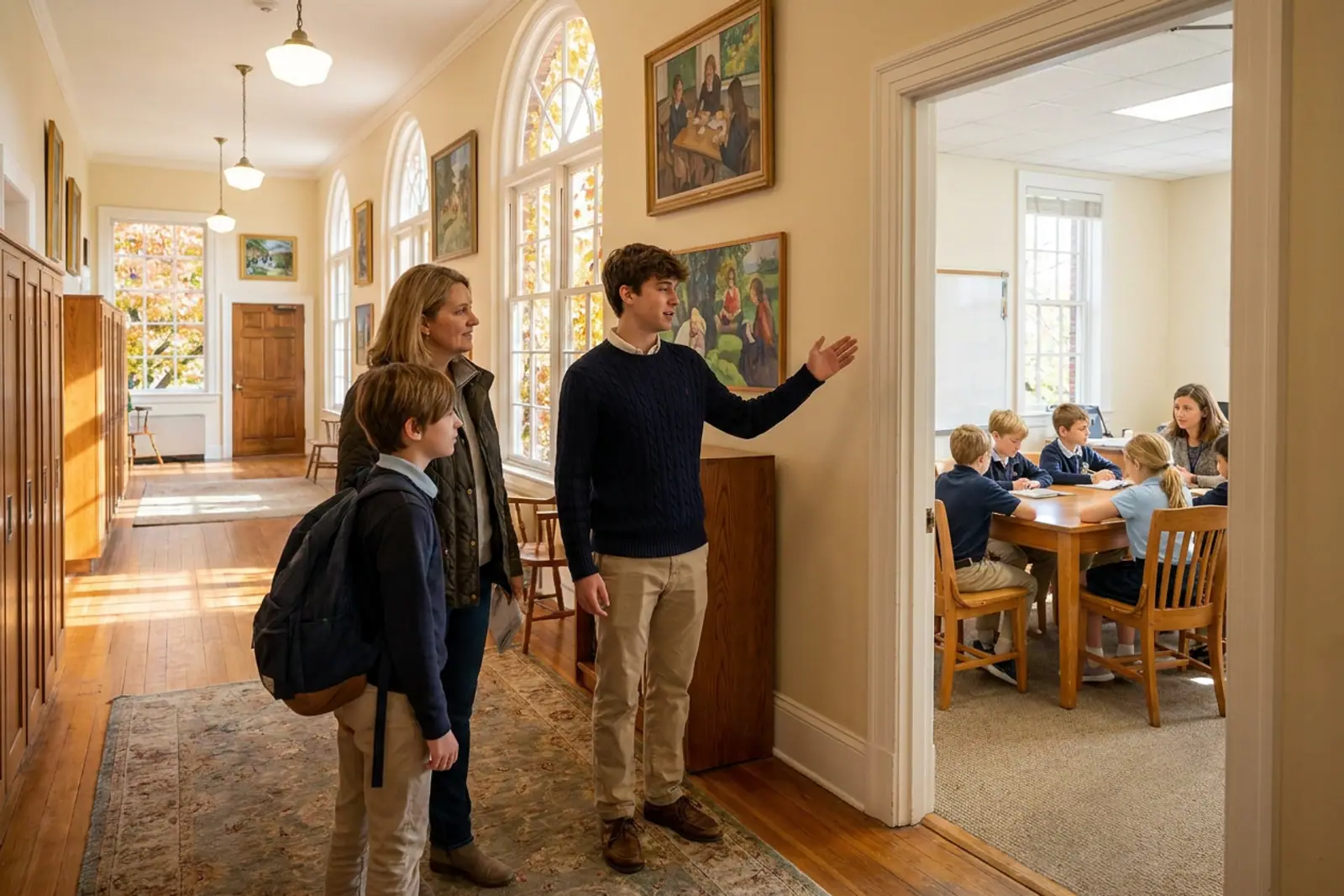
Visit us this fall
- All families · Sun, Oct 19 · 1 PMFall Open HouseTour classrooms, meet faculty and hear from the head of school.
- Pre-K–5 families · Weekday morningsLower School Parent CoffeeVisit a morning meeting and ask questions over coffee.
- Grades 8–11 applicants · By appointmentUpper School Shadow DayApplicants spend a full day in classes with a student host.
- All families · Thu, Nov 6 · 7 PMTuition and Financial Aid NightWalk through tuition, aid timelines and how to apply.
What parents ask before they register for an open house
Your website can answer these on the first visit, so the tour becomes a conversation about fit.
- What does tuition actually cover, and is financial aid available?
- How big are the classes in my child's grade?
- When is the application deadline, and what does testing or the interview involve?
- Is there bus service or a carpool from our neighborhood?
- Where do your graduates go after senior year?
What your admissions pages need to answer before the first call
Dance builds these from your current site and keeps them accurate as the school year moves.
Admissions steps and key dates
A clear path from inquiry to tour, application, testing and decision, with every deadline on one page. Change a date once and Dance updates it wherever it appears.
Tuition and financial aid
Tuition by division, what it includes, and how aid works, in the detail you choose to share. The Apply for Aid button links to the aid application tool your business office already uses.
Lower, middle and upper school programs
A page for each division with its curriculum, daily schedule, advisory and signature programs. Dance writes clear headings so parents and AI assistants can tell your grade levels apart.
Faculty and staff
Bios and photos for teachers, division heads and coaches, organized by department. Adding a new hire or a change in role takes one typed request.
Campus life and the school calendar
Athletics, arts, clubs, service trips and upcoming events, with performances and games posted as announcements. Families see a living school, current to this week.
Change admissions dates, faculty bios and closings in a sentence
Add a January open house on the 18th at 10 AM and move the application deadline to February 1.
Dance drafts the new event on your admissions page and homepage and updates the deadline everywhere it appears.
“Add Ms. Alvarez as our new upper school chemistry teacher, with her bio and this photo.”
Dance drafts her profile in the science department section of your faculty page, formatted to match her colleagues.
“Post a snow day notice: campus is closed tomorrow and opens at 10 AM Thursday.”
Dance drafts an announcement at the top of your homepage with both dates. You check the wording from your phone and publish it before families wake up.
- Every change waits for you: preview it on your phone or computer, then publish it or undo it. How editing by asking works
Your website through the admissions and school year
Late summer
New faculty bios, the year's calendar, fall open house dates and back-to-school information for current families.
October through January
Open houses, shadow days, testing dates, and application and financial aid deadlines, with reminders as each one approaches.
March
Decision notification dates, revisit days for admitted families and steps for enrollment contracts.
Spring and graduation
Re-enrollment reminders, commencement details, summer programs and a look ahead to next year's admissions events.
When parents ask Google or ChatGPT about schools nearby
Families now compare schools in search results and AI answers, and Dance shows where your school appears and what to improve.
What people search and ask
- private schools near me
- college prep high schools near me with financial aid
- private K-8 school near me with small class sizes
- how much is private school tuition in my area
- which private schools near me have strong arts programs
Improvements Dance can draft with Website + Marketing
- A tuition and aid page that answers cost questionsFor your approvalDance can suggest and draft a plain page on tuition, what it covers and how aid works, so families and AI assistants find a clear answer from you. You approve every word.
- Separate pages for each divisionFor your approvalA dedicated lower, middle and upper school page helps your school appear for searches by grade level. Dance drafts each one from your existing program content.
- Open house events with clear titles and datesFor your approvalDance can rewrite page titles and event listings so searches for school tours this fall lead to your visit dates. You review the drafts before they publish.
Every button points to the system your office already uses
Dance links your website to the tools your admissions, business and advancement offices already rely on.
- Connect your Inquire and Apply buttons to the admissions portal you already use.
- Send Apply for Aid to the financial aid application service your families already complete, so their financial details stay in that tool.
- Link Give to your donation page for the annual fund and giving day.
- Point families to the parent portal, athletics schedule and lunch ordering link you already have.
Free private school website design, SEO and AI search visibility
People find a private school three ways now: its website, Google, and the AI assistants they ask. Here is what Dance does for each.
- Free website
A free private school website, built from yours
Dance builds your new site free from the words, photos and logo you already have, and you see it before you decide. Your first 30 days on Website Editor + Hosting are free, then it's $19.99 a month.
- SEO
Private school SEO
With Website + Marketing, Dance checks where you show up on Google for searches like “private schools near me”, then drafts the fixes, such as a clearer page title or a page for a service your site never mentions.
- AEO
AI search visibility
Answer engine optimization means getting named when people ask ChatGPT or Google AI Mode. Dance checks whether they recommend you for questions like “which private schools near me have strong arts programs” and drafts the answers your site is missing.
What running a private school website on Dance costs.
Website Editor + Hosting keeps your site live and current. Add marketing when you want help getting found.
Website Editor + Hosting
Everything you need to run your website yourself.
$19.99/month
- Hosting on your own domain
- Update it in plain English, from phone or computer
- Preview every change, then publish or undo
- Email support
Website + Marketing
Everything in Website Editor + Hosting, plus help getting found.
$69.99/month
- See where you show up on Google, ChatGPT and Google AI Mode
- Your visitors and clicks from Google, in one place
- A short list of what to improve next
- Improvements drafted for your approval
Your website build is free, and your plan is 30 days free (card required).
Compare plansWhat private schools ask before they start
Can Dance rebuild our school site from what we already have, including every division page?
Yes. Enter your current web address and Dance builds a new version from your words, photos and logo while you watch.
Who approves changes before families and prospective parents see them?
Every change Dance drafts waits for your preview.
Will our Apply, Aid and Give buttons still go to the systems our offices use?
Yes. Dance links each button to the admissions portal, aid application service and donation page you already use, and hosting on your own domain is included.
How does Dance help when families compare schools in AI assistants?
With the Website + Marketing plan, Dance shows where your school appears on Google, ChatGPT and Google AI Mode for the searches that matter to you. It suggests a short list of improvements, like clearer tuition answers or division pages, and drafts them for your approval.
Is the private school website really free?
Building it is. Dance builds your new site free from the one you have, and your first 30 days on Website Editor + Hosting are free. After that it's $19.99 a month, or $69.99 a month for Website + Marketing, which adds SEO and AI search.
What is AEO, and does it matter for private schools?
AEO, answer engine optimization, means making your site clear enough that AI assistants such as ChatGPT and Google AI Mode name you when someone asks for a private school. Website + Marketing checks where you're named and drafts what's missing for your approval. Nobody can honestly promise a mention.
Where to look next
Related industries
- Montessori schoolsIndependent schools with admissions seasons and campus tours
- PreschoolsEarly childhood programs that feed into pre-K and kindergarten
- Summer campsSummer programs many private schools run on their campus
How Dance helps
- redesign your current school websiteRebuild your school site from its existing pages, photos and logo
- get found in Google and AI searchHelp families comparing private schools nearby find your admissions pages
- edit school pages by typing a requestUpdate deadlines, faculty bios and closings without waiting on a web vendor
See your school's new website before open house
Enter your school's web address and watch Dance build a new version from your own pages and photos.
Your current site stays up until you switch, and every change waits for your approval.
Preview your new school website
See your redesign free. No credit card, no sales call.